

QR code ordering
Scan to order when the floor can’t get there.
Guests scan the code on their table, order from your live menu and pay for the whole order on their phone. Then it goes straight to your kitchen screen. No app, no account and no commission per order. Staff can still take orders on the till or a handheld.
Join the waitlist
Pricing coming soon
Friday, 7:15 pm




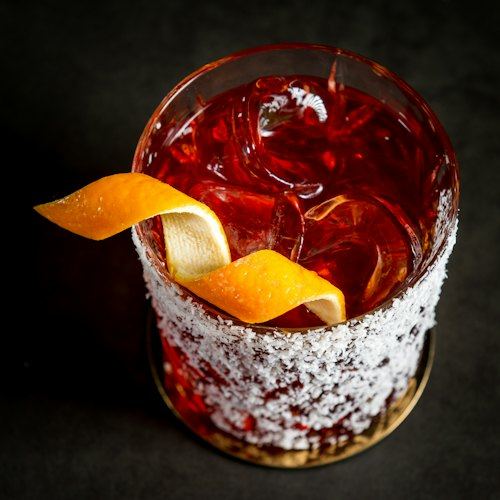
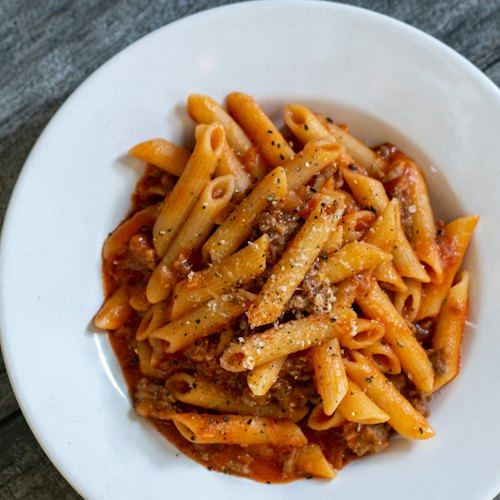

QR code ordering on Virsyn
Nobody runs a bill to the table.
Guests pay for the whole order on their phone before it’s sent, so there’s nothing to settle at the end of the meal.
They can see it coming.
Once they’ve paid, guests watch their order go from preparing to ready, so nobody waves down a waiter to ask.
The menu asks what your best waiter asks.
Photos and descriptions on every dish, and required options are prompted before a dish goes in the order.
Your dietary tags, on every dish.
Guests see the tags you set on the menu before they order.
86 it on the till, gone from the QR menu.
Sold-out dishes can’t be ordered. Mark a dish off on the POS and the QR menu follows.
Paid in full, in a few taps.
Apple Pay, Google Pay or card on their phone. Guests pay for the whole order, not by item or per person.
Your floor, still yours
Staff still take orders.
On the till or a handheld, for any table that would rather talk to someone. QR orders and staff orders land on the same kitchen queue.
You choose the tables.
Print a QR code for each table from the floor plan in Virsyn Pulse. Put codes on the beer garden and keep the dining room on full service, or run both.
No app, no account.
The code opens your menu in the phone’s browser. Guests don’t download anything or sign up to order.
The floor sees every QR order.
Each QR order shows on the till’s order list, marked QR, next to the floor’s own.
Order and pay at the table
Paid before it’s sent.
Guests pay for everything in the order before it goes to the kitchen, by Apple Pay, Google Pay or card.
The fee is in the total.
If you set a service fee, guests see it as a line in their total before they pay.
Only paid orders reach the kitchen.
Every QR ticket on your kitchen screen has already been paid for.
Part of your POS
The same menu as the till.
Prices, photos and options come from your POS menu, so there is nothing to update twice.
The table stays the table.
Virsyn checks each code against your venue, so a guest can’t move an order by editing the link.
Stock and refunds, handled.
Stock comes off as the order fires, and a refund goes back to the card that paid.
Virsyn opens to Australian venues soon. Join the waitlist and we’ll be in touch before we launch.
Join the waitlist
Pricing coming soon
FAQ
How does QR code ordering work?
Do guests need an app or an account?
Does Virsyn take a commission on QR orders?
When does a QR order reach the kitchen?
How do guests pay?
Can my staff still take orders?
What happens when a dish sells out?
How do I set up QR codes for my tables?
Do I need a separate QR ordering provider?